
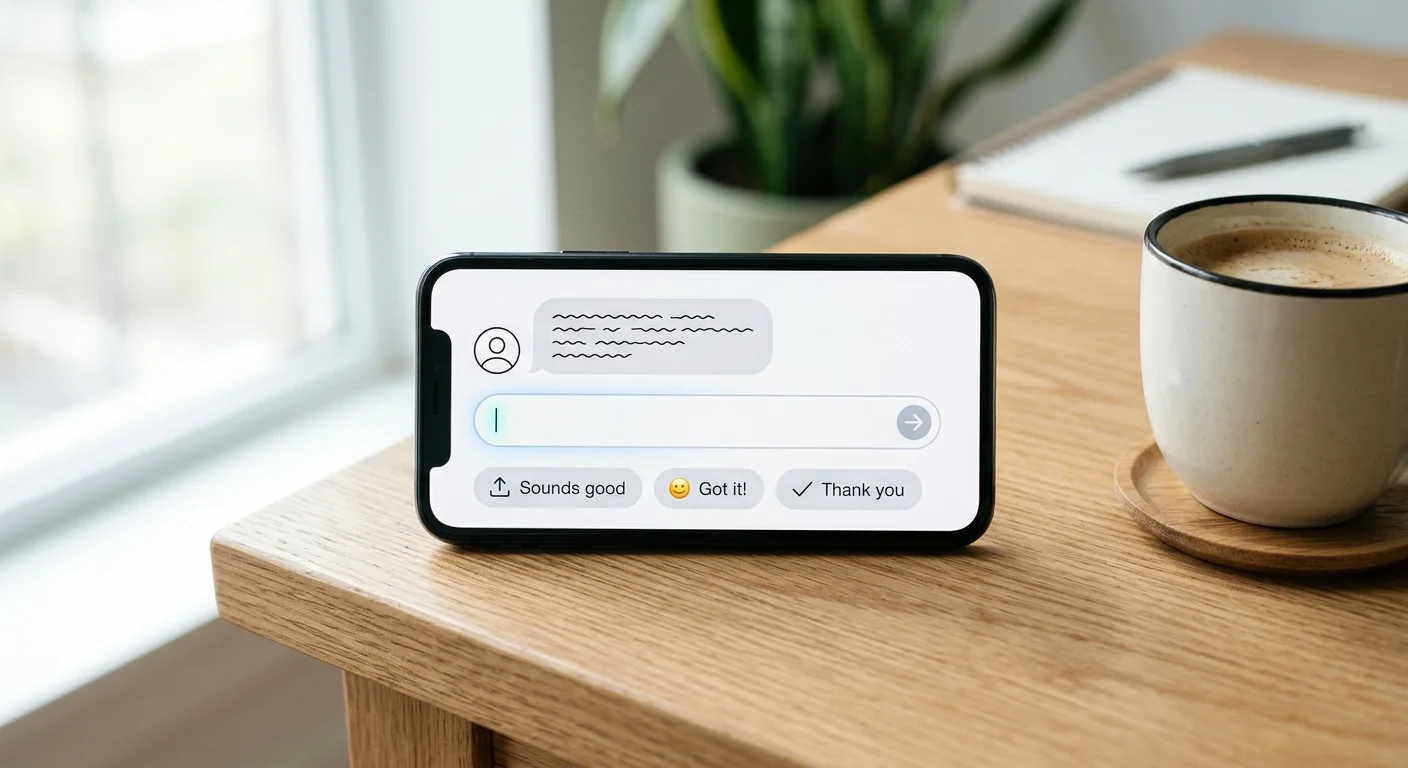
The Word Spinner AI Reply Generator is a free browser-based tool that generates 3 context-aware reply suggestions for any message you paste in. Choose from 9 platform styles and 6 tones. No signup, unlimited use.
Replying to messages takes more mental energy than most people admit. Every email, every Slack DM, every customer review asks for a small piece of your brain. The Word Spinner AI Reply Generator handles the first draft so you can spend your energy on the human touch instead of staring at an empty text box.
What is the AI Reply Generator?
The AI Reply Generator is a free online tool that turns any message you receive into three ready-to-use reply suggestions. Paste an incoming email, chat message, social comment, or review, pick a platform and a tone, and hit generate. You get three different reply options in seconds.
It works directly in your browser. Nothing gets stored on a server, and you do not need to create an account or share an API key. The tool runs on Word Spinner's AI engine, the same one behind the AI Humanizer platform trusted by over 100,000 users.
How It Works (In 3 Steps)
- Paste your message. Drop in any email, chat, review, social post, or comment.
- Choose platform and tone. Pick from 9 platforms and 6 tones.
- Generate and copy. Click Generate Replies. You get three distinct reply suggestions.

Platform and Tone Combinations
The tool adapts replies based on the platform you select:
| Platform | Best For | Reply Style |
|---|---|---|
| Business and personal correspondence | Structured, greeting and sign-off included | |
| Slack | Team chat and quick workplace messages | Casual, direct, thread-friendly |
| WhatsApp / SMS | Personal messaging and customer support | Short, warm, emoji-friendly |
| Twitter / X | Public replies and brand engagement | Concise, character-aware, punchy |
| Professional networking and outreach | Polished, respectful, value-forward | |
| Instagram DM | Social DMs and creator-audience chat | Conversational, light, personable |
| Review Response | Google Reviews, Trustpilot, app stores | Professional, grateful, solution-oriented |
Combine these with the 6 available tones and you get 54 unique reply combinations.
When to Use the AI Reply Generator
Customer Support Teams
Support teams handle dozens of repetitive inquiries every day. The AI Reply Generator gives your agents a solid first draft. The Review Response mode is especially useful for Google Reviews and app store feedback.
Freelancers and Solo Founders
When you are the only person answering emails, client messages, and social DMs, reply fatigue is real. The AI Reply Generator acts as a second brain that keeps your voice consistent across platforms.
Social Media Managers
Managing brand replies across platforms is cognitively expensive. The AI Reply Generator encodes platform rules into its outputs.
Anyone Who Dreads Writing Replies
Some messages are hard to answer. The AI Reply Generator gives you a starting point that is measured and professional.
How It Compares to ChatGPT and Other AI Tools
| Feature | Word Spinner AI Reply Generator | ChatGPT |
|---|---|---|
| Cost | Free, unlimited | Free tier limited |
| Platform-aware replies | 9 platforms built in | Requires prompting |
| Tone control | 6 preset tones | Manual prompting |
| Character limit badges | Yes, color-coded | No |
| Signup required | No | Yes |
ChatGPT can generate replies, but you have to explain the platform, the tone, and the format every time. Zapier's review of AI email assistants notes that specialized tools consistently outperform general chatbots.
Character Limit Badges Keep You Platform-Safe
Twitter has a 280-character limit. SMS gets truncated after 160 characters. The AI Reply Generator shows color-coded character badges: green for safe, yellow for approaching, red for too long.

Integration with Word Spinner's AI Humanizer
The AI Reply Generator runs on the same engine as Word Spinner's AI Humanizer. If you need the reply to sound even more human, copy it into the Word Spinner Humanizer. This two-step flow gives you AI speed with human-sounding output that passes detection tools like AI Busted and Originality.ai.
Free, no signup. Paste any message and get 3 smart replies in seconds.
Common Questions
Is the AI Reply Generator really free?
Yes. There is no signup, no credit card, and no usage limit. Word Spinner offers this tool for free alongside the AI Email Response Generator, AI Answer Generator, and AI Prompt Generator.
What platforms does it support?
Nine platforms: Email, Slack, WhatsApp, SMS, Twitter/X, LinkedIn, Instagram DM, Comments, and Review Responses. Each platform adjusts reply format, length, and style conventions automatically.
Can I change the tone after generating replies?
Yes. Switch the tone dropdown and click Generate Replies again. You get three new replies in the new tone for the same original message.
What if none of the three replies works for me?
Click Generate Replies again. The AI produces three new variations each time. You can also switch tone or platform for a different angle.
Is my message data stored or used for training?
No. The tool runs in your browser. Messages are processed for generation only and are not stored or used to train AI models.