
The Word Spinner Markdown to PDF Converter turns your Markdown files into polished PDFs in seconds. Paste your Markdown, pick a template (default, academic, report, or resume), and download. No signup, no install, and no LaTeX required. Try it free at tools.word-spinner.com.

Why Convert Markdown to PDF?
Markdown powers README files, documentation sites, and note-taking apps. It is clean, readable, and version-control friendly. But there is always a moment when your Markdown document needs to become a PDF. PDFs preserve formatting across every device. They look professional in print. They are what clients, professors, and colleagues expect when you send a finished document.
Converting Markdown to PDF should not require installing a 1GB LaTeX distribution or wrestling with command-line flags. The Word Spinner Markdown to PDF Converter does exactly what you need: paste, preview, pick a template, and download. No account. No install. No hassle.
How the Free Markdown to PDF Converter Works
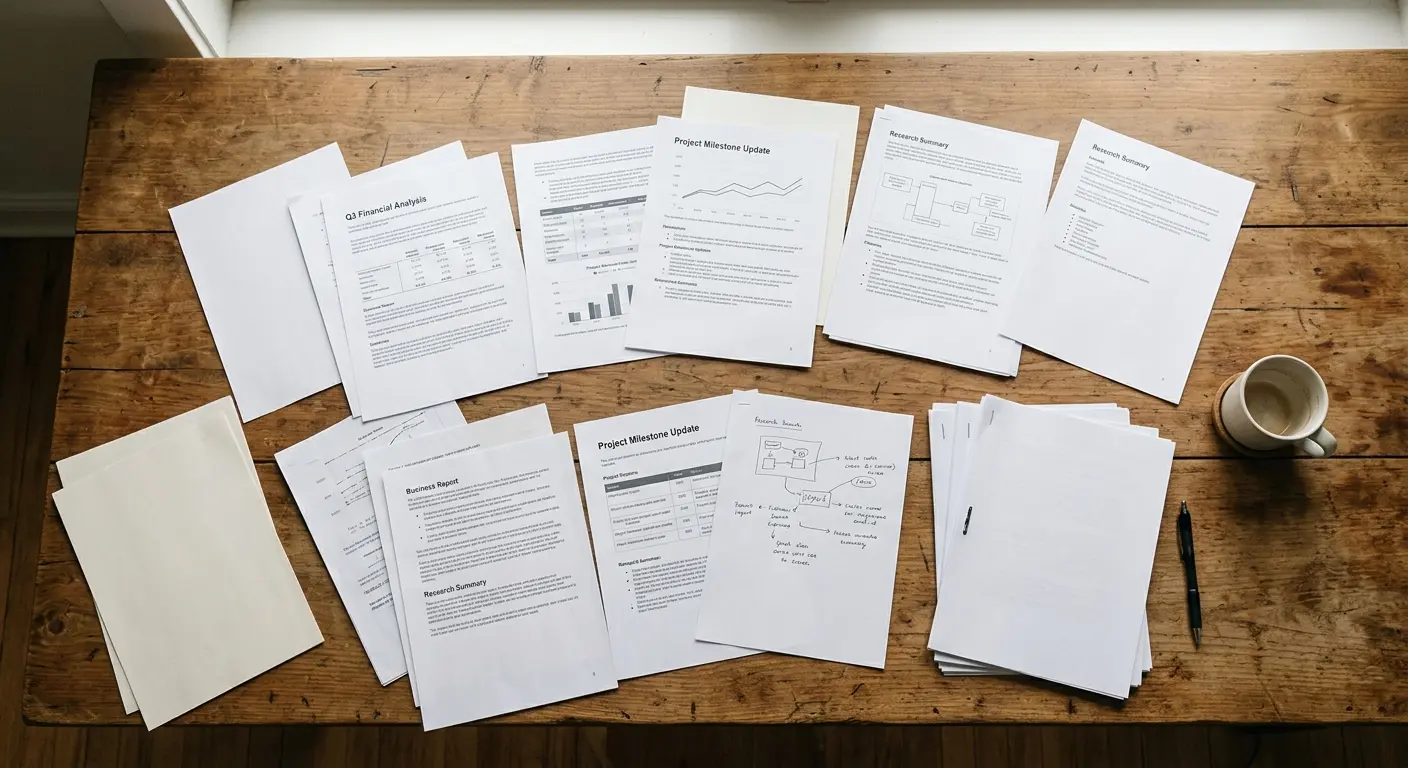
The converter works in three steps:
Step 1: Paste or upload your Markdown. Drop your Markdown into the editor or upload a .md file. The editor handles standard syntax: headings, lists, code blocks, tables, links, images, and blockquotes. No special formatting needed.
Step 2: Preview and customize. A live preview panel shows exactly how your document renders. Choose from four PDF templates. The default template works for general docs. The academic template adds title pages and citation formatting. The report template optimizes for business documents. The resume template formats for ATS-friendly single-page output. Toggle syntax highlighting and adjust table styling.
Step 3: Download your PDF. Click download. Headings become PDF bookmarks. Code blocks keep syntax highlighting. Tables render with clean borders. Links stay clickable.
Key Features
Live preview. See exactly what your PDF will look like as you type. No more guessing whether your table will break across pages or your code block will overflow.
Four templates. Default for general docs, academic for papers and theses, report for business, resume for job applications. Each template adjusts fonts, margins, heading styles, and page breaks to match the document type.
Syntax highlighting. Code blocks keep language-specific highlighting in the final PDF. Python, JavaScript, TypeScript, HTML, CSS, SQL, Bash, JSON, YAML, and 30+ others.
Clean table rendering. Markdown tables become bordered tables in the PDF. Wide tables scale to fit. Complex tables with merged cells and alignments render correctly.
No signup, no limits. The full converter is free. Convert as many files as you need. No account, no payment, no file storage after conversion.

Markdown to PDF vs Other Formats
| Export Format | Best For | Limitations |
|---|---|---|
| Final deliverables, printing, sharing with non-technical readers | Not editable without specialized tools | |
| DOCX | Collaborative editing, Word-compatible workflows | Formatting can shift during conversion |
| HTML | Web publishing, embedding in sites | Not ideal for printing or offline sharing |
| Plain Markdown | Version control, editing, portability | No styling, readers need Markdown knowledge |
PDF is the right choice when your document is finished and needs to look polished. If you need collaborative editing first, convert your Markdown to DOCX with the Word Spinner Markdown to Word converter, finalize the content, then convert to PDF.
3 Free Alternatives Compared
Pandoc
Pandoc is powerful but needs a LaTeX install (often 1GB+) and command-line comfort. Developers with an existing toolchain get unmatched control. For everyone else, the setup is significant overhead. Learn more about Pandoc.
Browser-Based Online Converters
Several sites offer one-click Markdown-to-PDF. Most show ads, cap file sizes, and process your content on servers you do not control. Fine for quick one-offs, not for sensitive documents or regular use.
VS Code and IDE Plugins
The Markdown PDF extension for VS Code converts open files with one command. Great for developers who live in their editor. The downside: it converts only what is currently open. No templates, no live preview customization, no batch processing.
Why the Word Spinner Converter Is Different
The Word Spinner Markdown to PDF Converter gives you browser-based simplicity with dedicated-converter quality, no setup needed:
No install. Works in any modern browser. No LaTeX, no command line, no plugins.
No signup. Convert freely. Your documents stay private and are deleted after conversion.
Part of the Word Spinner free tools ecosystem. Need to convert RTF to Markdown, HTML to Markdown, or Notion to Markdown first? All converters are available from the same interface.
Frequently Asked Questions
Is the Markdown to PDF converter really free?
Yes. No signup, no payment, no limits. Convert as many Markdown files to PDF as you need.
Does it preserve code syntax highlighting?
Yes. Code blocks keep language-specific highlighting for Python, JavaScript, TypeScript, HTML, CSS, SQL, Bash, JSON, YAML, and 30+ other languages in the PDF output.
Can I customize how the PDF looks?
Yes. Pick from four templates (default, academic, report, resume). Each adjusts fonts, margins, heading styles, and page breaks to match your document type.
What Markdown elements does it support?
Headings, lists, code blocks, tables, links, images, blockquotes, horizontal rules, and inline formatting like bold, italic, and strikethrough. GFM-style tables and task lists are also supported.
Is my document stored after conversion?
No. Your Markdown content is processed for conversion and then deleted. Documents are not stored on Word Spinner servers after you download the PDF.